
Converting bank statements into usable financial data is crucial for accountants, finance teams, and small business owners. Two powerful tools for this task are BankConvert and Nanonets, both leveraging OCR to automate extraction. However, their approaches and suitability differ depending on your workflow.
This guide examines accuracy, speed, multi-bank handling, OCR performance, automation, and workflow integration to help you choose the best solution for your financial document processing needs.
Key Differences at a Glance
| Feature | BankConvert | Nanonets |
|---|---|---|
| Specialization | Bank statements, multi-bank layouts, scanned PDFs | AI OCR for many document types |
| Output Formats | CSV, Excel, JSON | CSV, Excel, JSON, API |
| OCR Support | High-quality, handles scanned and photo statements | Strong AI OCR, requires model training for optimal accuracy |
| Automation | Instant conversion, browser-based | API and batch processing, training required |
| Multi-Bank Support | Automatic recognition of diverse layouts | Needs model training for each bank layout |
| Ideal For | Accountants, small businesses, finance teams | Businesses with large volumes of structured documents |
| Workflow Integration | CSV/Excel/JSON export | API-based, integrates with workflows and apps |
What These Tools Do
BankConvert
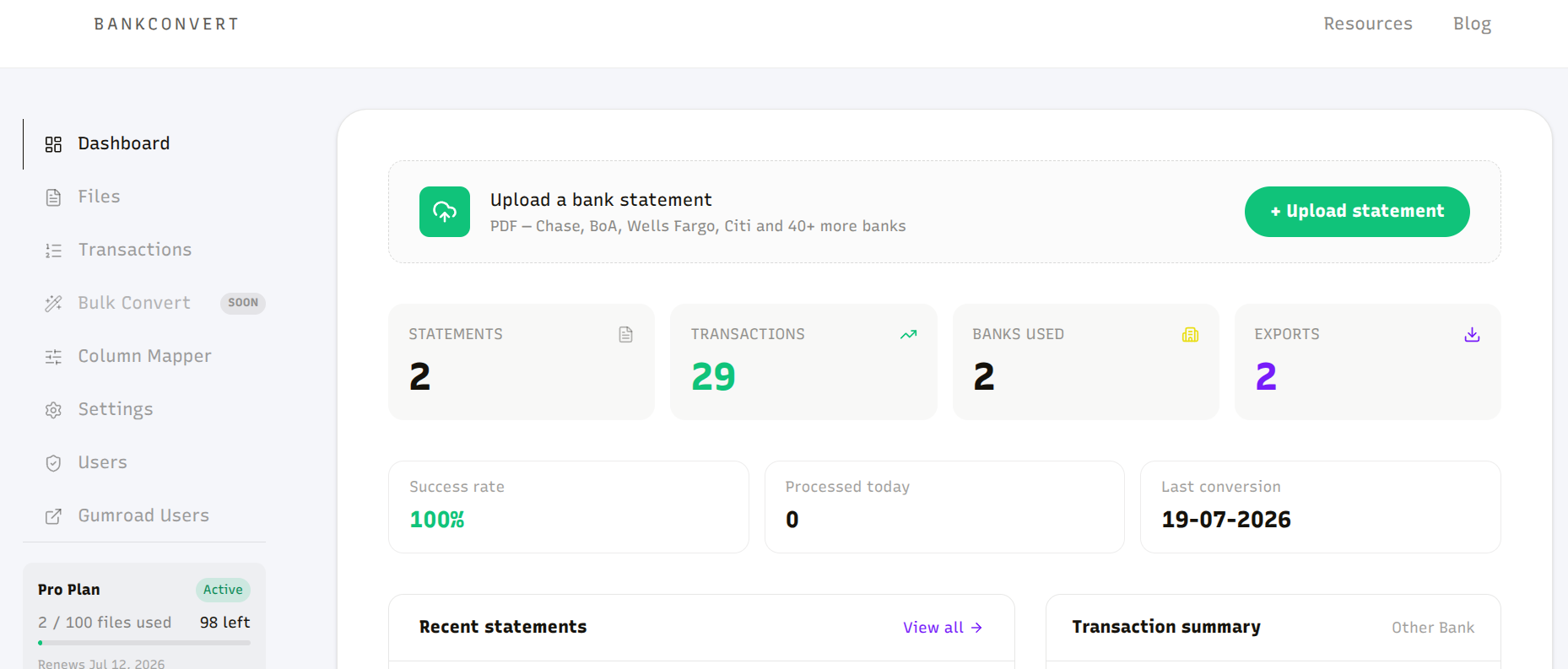
BankConvert specializes in bank statements, automatically detecting transaction tables, fixing broken rows, and providing structured outputs ready for accounting or bookkeeping. Key features include:
- Multi-page statement handling
- Password-protected PDF support
- Scanned PDFs and mobile uploads
- Automatic recognition of multiple bank layouts
- Direct CSV, Excel, and JSON exports
Learn more about BankConvert workflow automation
Nanonets
Nanonets is an AI-based OCR platform for general document extraction. Key features:
- AI-driven text recognition
- Model training for document types
- API access for automated workflows
- Batch processing for large volumes
Limitations for bank statements:
- Requires training on each bank format
- Multi-bank workflows can be time-consuming to set up
- Errors increase with untrained formats or scans
Accuracy Comparison
BankConvert
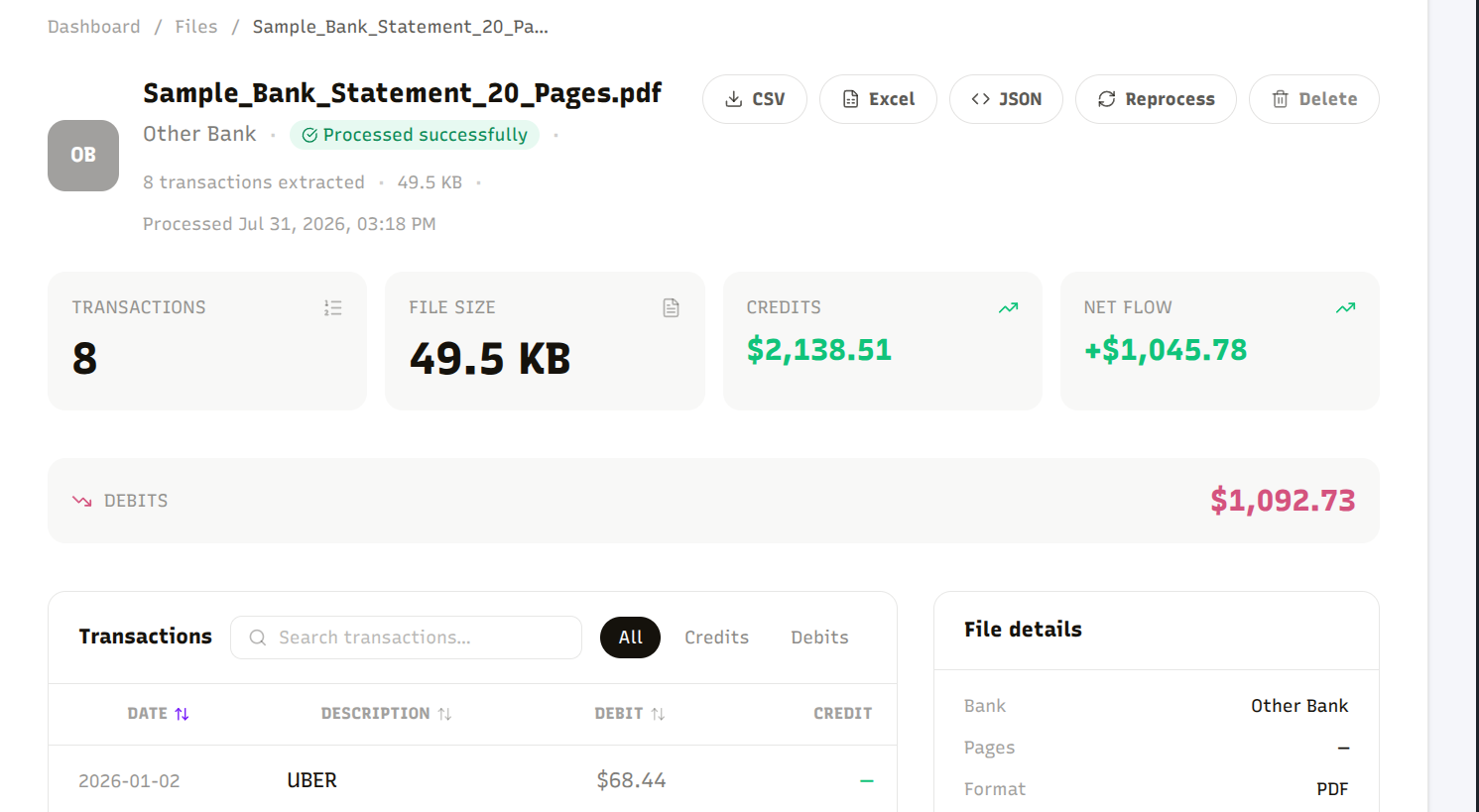
- Aligns debit and credit columns automatically
- Handles wrapped descriptions and multi-line entries
- Repairs multi-page tables
- Normalizes dates and currencies
Accuracy is consistent across diverse bank layouts without extra setup.
Nanonets
- Accuracy depends on model training
- Works best with consistent formats and large training sets
- Out-of-the-box results for new bank statements can be inconsistent
Workflow and Speed
BankConvert
- Converts statements in seconds
- No setup required for new banks
- Handles scanned and photo uploads automatically
Nanonets
- Training models required for new layouts
- Processing is fast once models are trained
- Multi-bank handling needs additional effort
OCR and Scanned Statement Handling
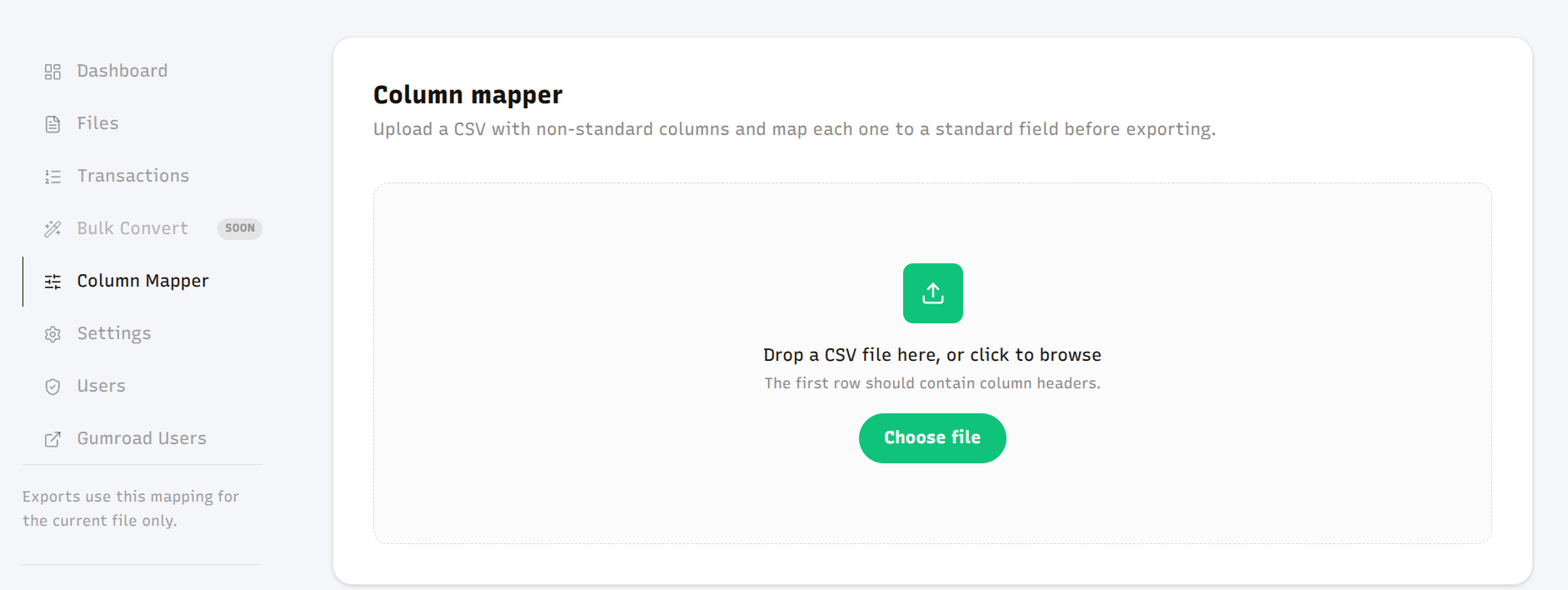
BankConvert excels at handling scanned PDFs and mobile images with minimal user intervention. Nanonets requires model training and can misinterpret poorly scanned or unusual layouts.
Edge cases to consider: Handwritten annotations, non-English statements, and unusual currency formats will challenge either tool without setup. BankConvert handles common non-USD/GBP/EUR statements out of the box; Nanonets typically needs a dedicated training pass per format before results stabilize.
Integration and Automation
BankConvert
- Browser-based, no installation required
- Export to CSV, Excel, or JSON for direct import into QuickBooks, Xero, or your ledger of choice
- Quick integration into existing workflows
Nanonets
- API-driven, supports automation and batch processing
- Requires programming skills or integration setup
- Flexible for consistent document types but less ready-to-use for multiple banks
Pricing and Value
- BankConvert: Pro plan at $49 (500 conversions, all bank support, batch processing, priority support), Team/Extended at $99 for higher-volume workflows, and Enterprise at $299 with unlimited conversions and API access. BankConvert also advertises 99.9% extraction accuracy.
- Nanonets: pricing scales with document volume and AI model usage, can become expensive for diverse bank layouts
For accountants or small businesses managing multiple bank statements, BankConvert provides faster results and better ROI — even the Team plan at $99 undercuts what most AI-OCR platforms charge once you factor in the model training time Nanonets requires.
Data Security
- BankConvert: encrypted uploads, automatic deletion, no third-party retention
- Nanonets: enterprise-grade security, but document training may involve cloud-based processing
Frequently Asked Questions
Is BankConvert more accurate than Nanonets for bank statements?
For bank statements specifically, BankConvert typically performs better out of the box because it's purpose-built for bank layouts and doesn't require training. Nanonets can match or exceed that accuracy once a model is trained on a specific bank's format, but that setup cost matters for anyone processing statements from many different banks.
Do I need to train a model to use BankConvert?
No. BankConvert automatically recognizes bank statement layouts without any training step, unlike Nanonets, which needs a trained model per document format for best results.
Can Nanonets handle bank statements without training?
Yes, but accuracy on untrained or unusual formats is inconsistent. Nanonets is built as a general-purpose OCR platform, so bank statements benefit from format-specific training the same way any other document type would.
Which tool is better for a small business with a few banks?
BankConvert, since there's no setup cost per bank and conversion works immediately. Nanonets makes more sense at higher volume with consistent, repeatable formats where the training investment pays off.
Does BankConvert offer an API like Nanonets?
Yes, but only on the Enterprise plan ($299), which includes API access and custom integrations. Pro and Team/Extended are built for browser-based conversion without needing to write integration code.
Final Verdict
Choose BankConvert if you need:
- Fast, accurate conversion across multiple bank layouts
- Ready-to-use structured CSV, Excel, or JSON outputs
- Minimal setup for accountants, finance teams, and small business owners
Choose Nanonets if you:
- Handle high volumes of consistent documents
- Can invest time training AI models
- Require API-based integration for specialized workflows
For most professional bank statement workflows, BankConvert is the more efficient and reliable solution.